Operations Automation
Replace spreadsheets, copy-paste work, and fragile handoffs with tools designed around how your team actually operates.
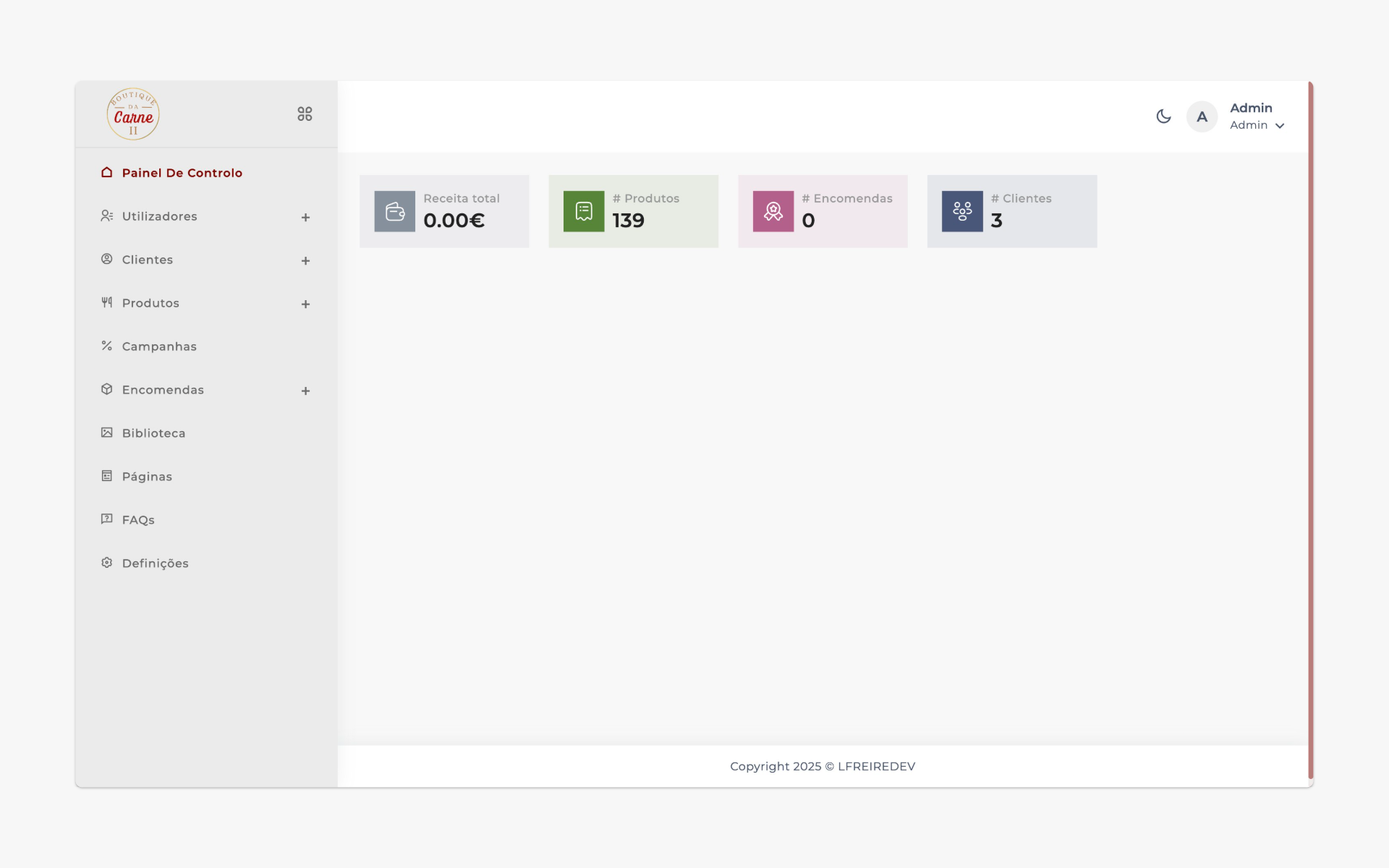
Clearer operations, fewer mistakes, more time for real work
A lot of growing businesses run on people remembering steps, copying data between tools, and checking spreadsheets for the latest status. We help you replace that with practical custom software that makes operations clearer and easier to manage.
Who this is for
Teams with recurring internal workflows
Businesses managing operations via spreadsheets
Service or operations teams with many handoffs
Companies wanting more visibility into work in progress
What you can expect
Less manual, repetitive work
Fewer errors caused by copy-paste or outdated files
Better tracking of who needs to do what, and when
Processes that scale as your team and volume grow
What we can build for you
FOCUSED TOOLSOperational dashboards
Overviews of orders, tickets, projects, or tasks so you can see what's pending, blocked, or completed.
Custom internal apps
Tools for inventory, approvals, onboarding, scheduling, or any other workflow that's unique to your business.
Automated workflows
Trigger notifications, status changes, or follow-up actions when specific events happen in your process.
Integrated data flows
Connect systems so data moves between tools automatically, instead of being moved by hand.
Start small, expand as you see impact
We don't recommend automating "everything" at once. We pick one or two high-impact processes, design a focused solution, then extend to adjacent workflows.
Your team adapts gradually while seeing clear time savings and fewer mistakes early on.
We use modern, maintainable tech so your tools stay reliable as needs evolve.
Highlights you can expect
Clear mapping of your current processes
Incremental rollout instead of "big bang"
Tools tested with real data and scenarios
Support for adjustments as your team uses the tools
How an automation project works with XPANDFLOW
FOUR STEPSUnderstand the pain
We identify where time and energy are being wasted, and which processes create the most frustration.
Design a focused tool
We define a clear, minimal solution that solves specific problems but can grow in the future.
Build & integrate
We implement the tool, connect it to your existing systems, and handle deployment and configuration.
Iterate on real usage
Once the team starts using it, we refine flows, add quality-of-life improvements, and plan next automations.
Frequently asked questions
How do we choose which process to automate first?
We'll look at a few candidates together and weigh time spent, error risk, and business impact.
Will people on the team resist the new tools?
Change can feel uncomfortable, so we design tools to be as simple and intuitive as possible.
What if our processes change later?
Good tools shouldn't lock you in. We build with flexibility in mind and can adjust as your business evolves.
Have a process that feels heavier than it should?
Tell us how it works today, where it hurts, and what "better" looks like. We'll come back with ideas for a realistic first step.