Client & Team Portals
Give clients, staff, and managers one clear place to see requests, documents, tasks, and next steps.
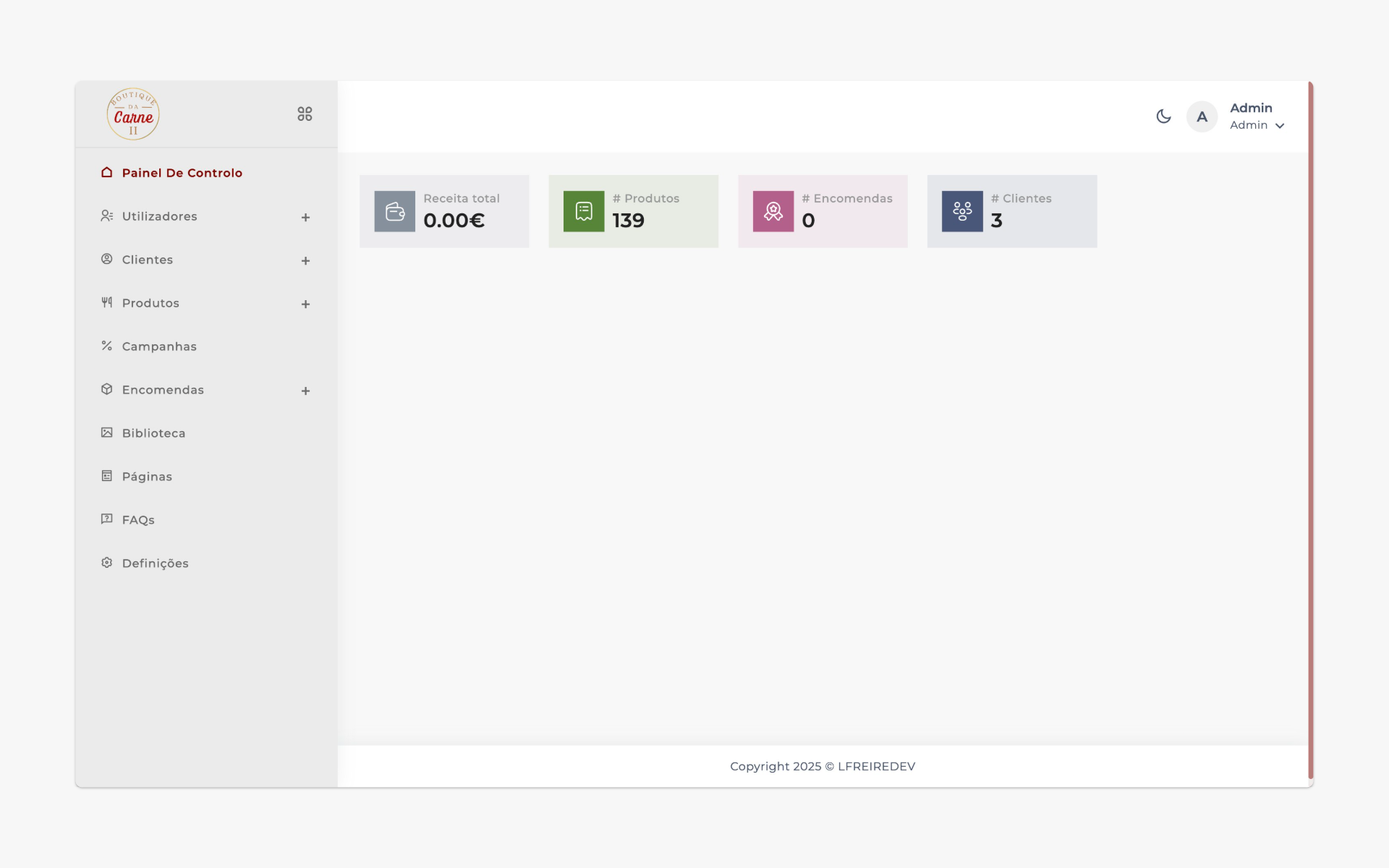
One shared workspace for the work that matters
When work lives across email threads, shared folders, WhatsApp messages, and spreadsheets, people lose context. We build custom portals and dashboards that centralize the work without forcing your business into a generic platform.
Who this is for
Service businesses with ongoing client work
Agencies and consultancies
Firms managing documents, approvals, or requests
Teams that want less "Where are we with this?"
What you can expect
Fewer status emails and manual updates
Clients who feel informed and cared for
Clearer ownership inside your team
A more professional, premium client experience
What your portal can include
FOR CLIENTS AND YOUR TEAMClient-facing area
A secure login where clients can see projects, requests, deadlines, documents, and messages in one place.
Internal admin dashboard
Manage client accounts, requests, tasks, and priorities with clear views for your team.
Communication & documents
Centralized messages, notes, and files - so context stays attached to the right client or project.
Integrations & automations
Connect your portal to CRMs, ticketing tools, billing, or email systems so data flows automatically.
Designed from real workflows, not theory
We start with your current reality: how clients reach you, what they need to see, and where info gets lost. Then we design a portal and dashboard that support that reality instead of fighting it.
The goal isn't just "a portal" - it's a shared tool that your team and clients naturally adopt because it makes life easier.
We handle performance, security, and maintainability so your portal stays dependable as usage grows.
Highlights you can expect
Role-based access and permissions
Clear status tracking for requests or projects
Consistent UX for both clients and internal users
Room to evolve as your service offering grows
How a portal project works with XPANDFLOW
FOUR STEPSDiscovery
We map how you currently exchange information with clients and where the pain points are.
Structure & UX
We define what clients see, what your team sees, and how data flows between the two sides.
Build & integrate
We implement the portal, admin dashboard, security, and integrations with your existing tools.
Launch & iterate
We roll out with a small group, gather feedback, and refine before scaling to all clients.
Frequently asked questions
Is a custom portal worth it if we already use email and shared drives?
Email and shared folders work until they don't. They lack structure, tracking, and visibility. A portal centralizes everything and reduces friction on both sides.
How long does it take to get a first version live?
Depends on scope, but we aim for a focused first version that goes live in weeks, not months. From there we iterate based on real usage.
Will my clients understand how to use the portal?
Yes. We design with simplicity in mind and use familiar patterns so clients don't need a manual.
Ready to bring your client communication into one place?
Share how you currently work with clients and what you'd like to improve. We'll respond with ideas and a realistic next step.